CHAIR HOW-TO: View and Edit Author Feedback
OVERVIEW
This is for chairs to easily view and edit Author Feedback from the Chair console.
CHAIR CONSOLE
- From the 'Chair Console,' find the paper desired, scroll to the right and click 'More>View Author Feedback'

VIEW AUTHOR FEEDBACK PAGE
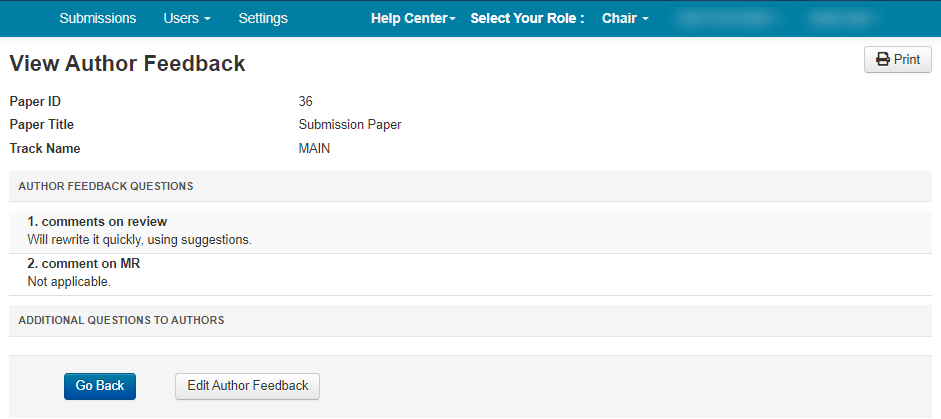
The 'View Author Feedback' page appears. The chair can view the answers by the author as well as any additional comments/questions posted after Author Feedback is completed.
EDIT AUTHOR FEEDBACK
There may be a time the Chair must edit the Author Feedback on behalf of the author.
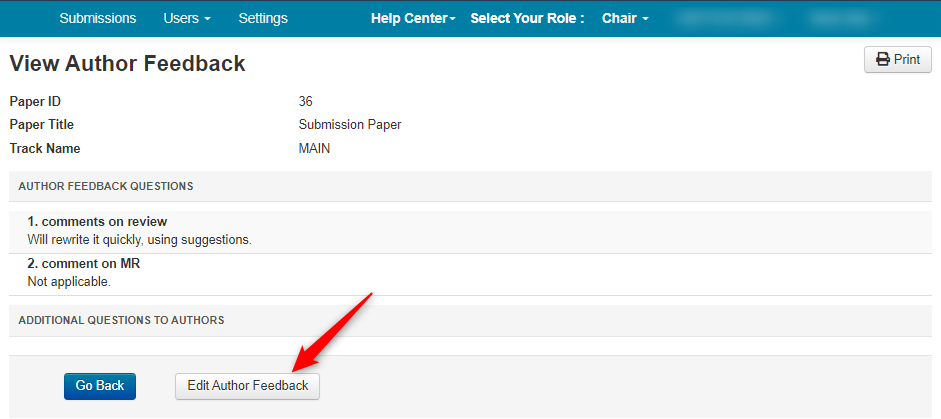
- From this page click 'Edit Author Feedback'
EDIT AUTHOR FEEDBACK PAGE
The 'Edit Author Feedback' page appears.
- Modify the feedback text or upload a file, then click 'Save changes'
