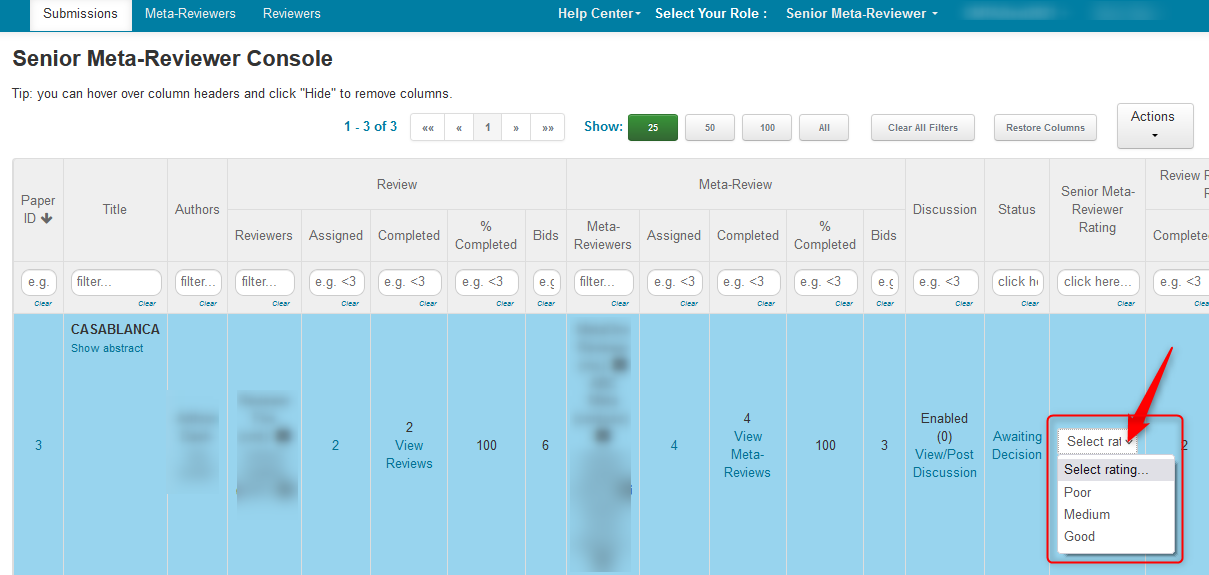
SENIOR META-REVIEWER: Senior Meta-Reviewer Submission Ratings
OVERVIEW
The Chairs can enable Senior Meta-Reviewers to rate Submissions. These ratings are only visible to Chairs and Senior Meta-Reviewers assigned to that paper.
Note
This is different than viewing Meta-Reviewers' ratings of reviews.
SENIOR META-REVIEWER CONSOLE
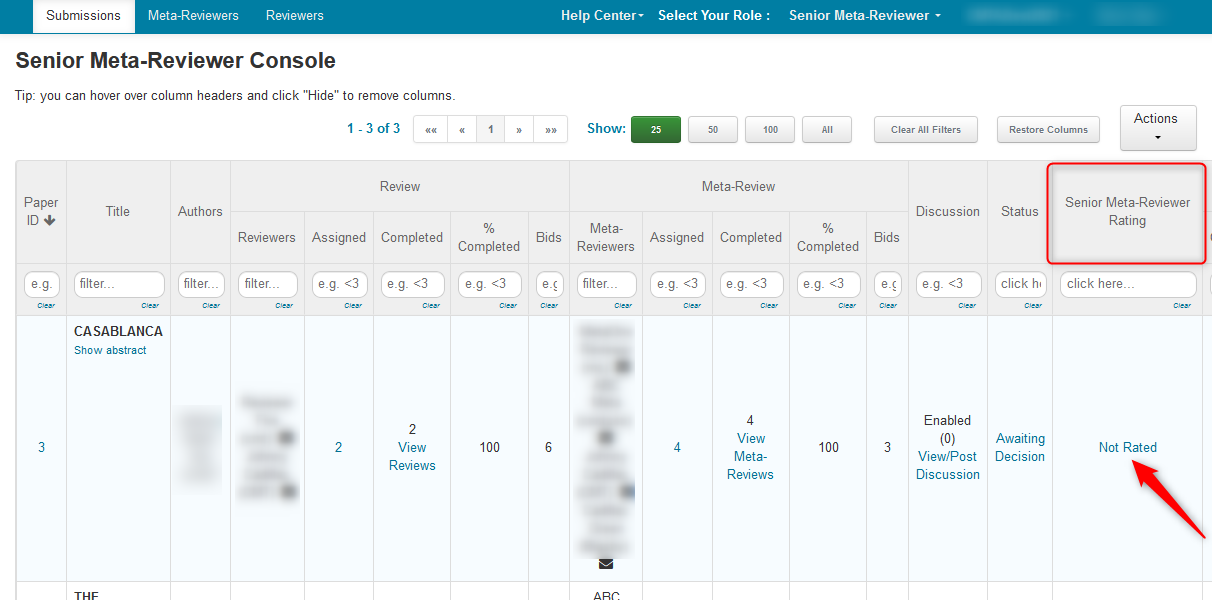
- In the 'Senior Meta-Reviewer Console', click the 'Not Rated' link of the desired paper.
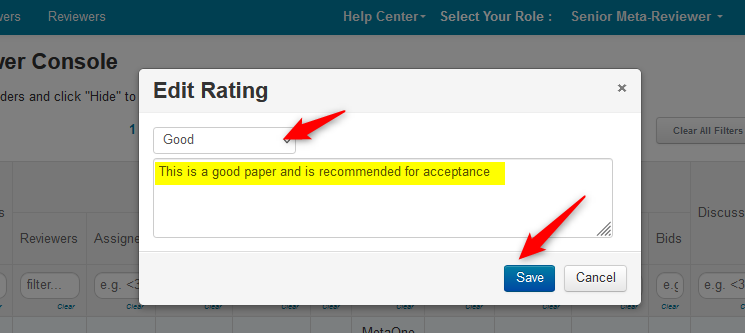
- A dialog box appears and the SMR selects the rating (by clicking on the dropdown), enters a comment, then saves the changes.
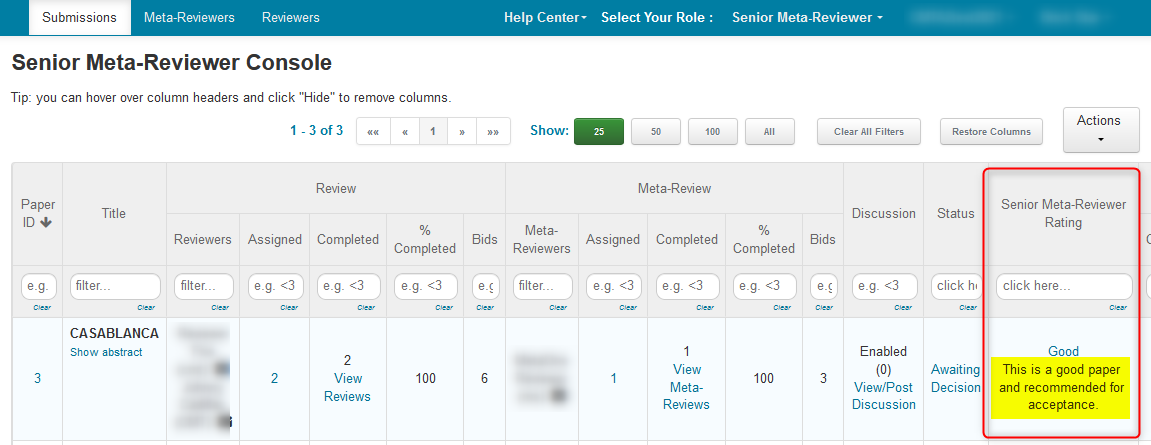
The SMR Console shows the rating and the comment.
Note
If the setting 'Allow optional comment when rating submission' is not checked, there will only a dropdown in line. No dialog box will appear.