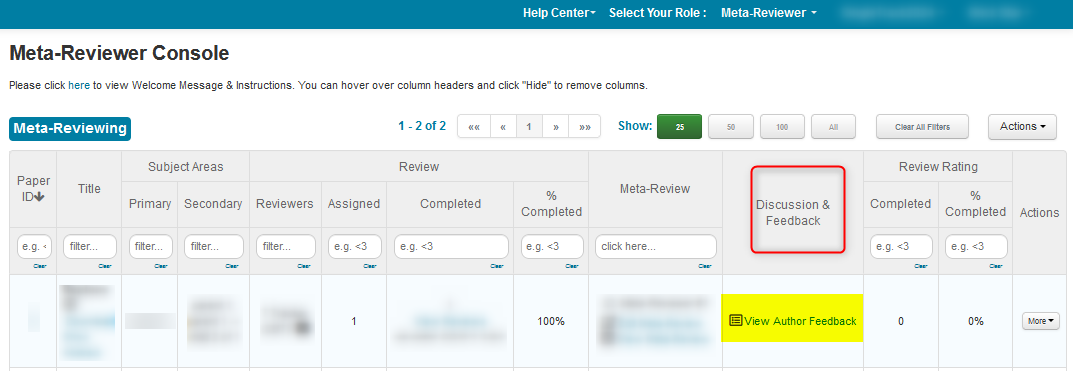
Chair HOW-TO: Make Author Feedback Visible to Meta-Reviewers
OVERVIEW
This document shows how to make Author Feedback visible to Meta-Reviewers.
PREREQUISITE
The Authors have given their feedback.
CHAIR CONSOLE
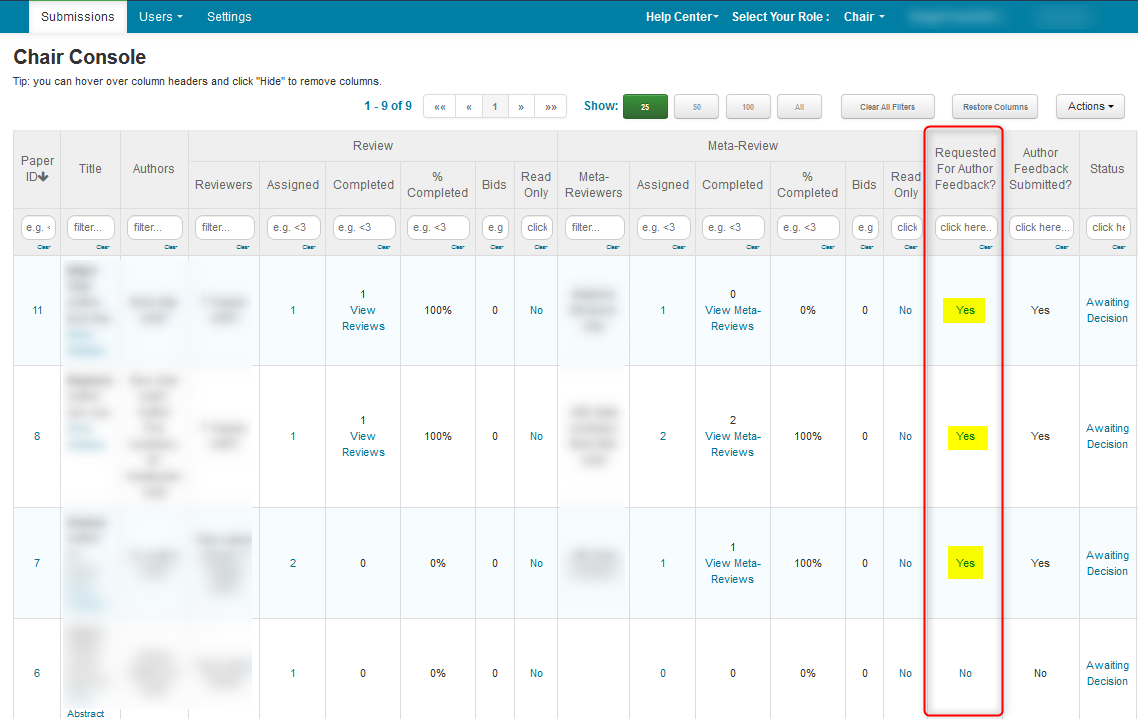
- Make sure the papers that are to have Author Feedback have the 'Requested For Author Feedback?' column enabled (YES)
AUTHOR FEEDBACK QUESTIONS
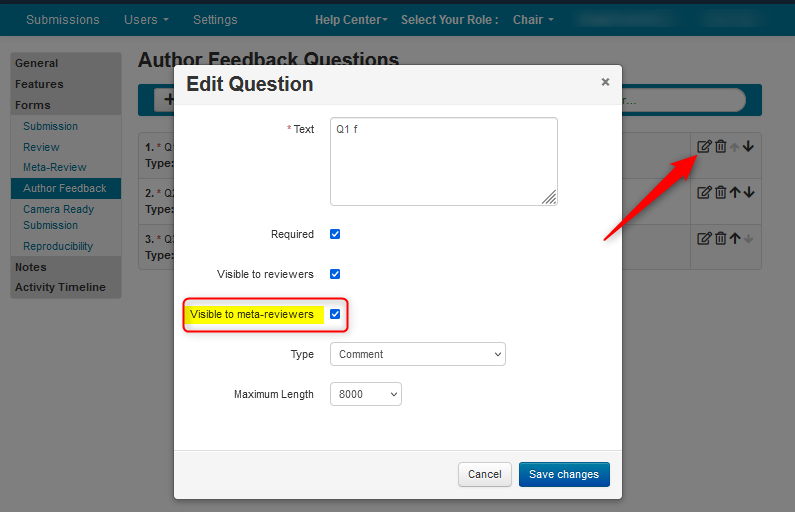
Make sure questions that meta-reviewers to be able to see the answers for need to be enabled 'Visible to meta-reviewers.'
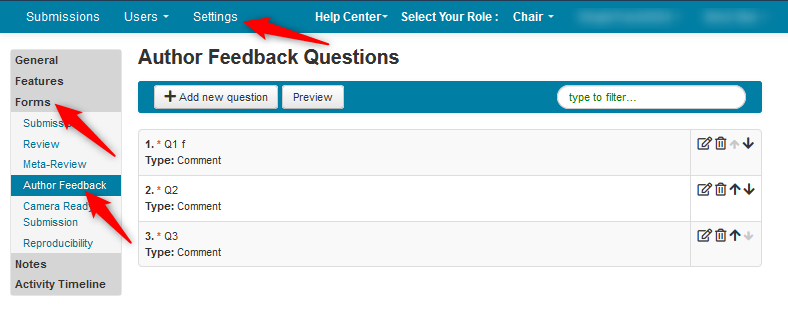
- Go to Settings>Forms>Author Feedback
- Click the 'Edit' icon of a question and ensure the checkbox is selected. do this for all questions that are to be visible.
Note
Changing the deadline for Author Feedback has no affect on Meta-Reviewers' ability to view Author Feedback once it is posted.
META-REVIEWER CONSOLE BEFORE
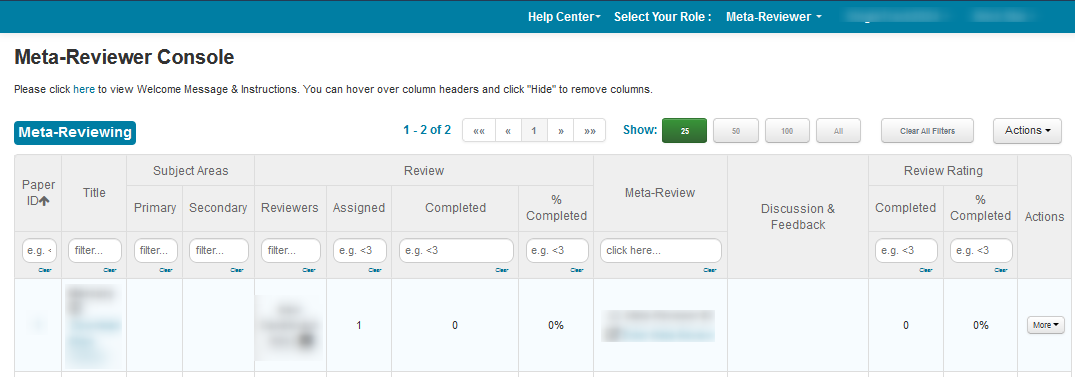
META-REVIEWER CONSOLE AFTER