CHAIR HOW-TO: Email Individual User
OVERVIEW
Sometimes the Chair will need to email one user without emailing others or without it involving any one particular paper.
Important
The email templates created for the emails sent from one page may not work in other pages, because different pages have different placeholders. Not all placeholders will work in all pages.
MANAGE CONFERENCE USERS
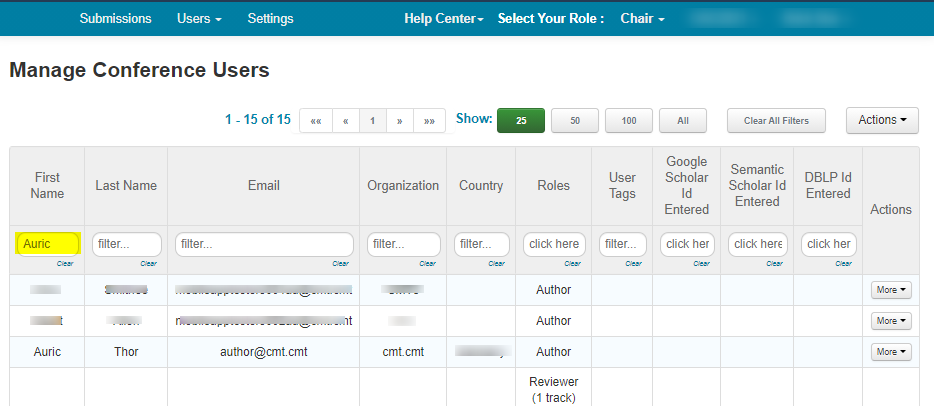
- From the Manage Conference Users page, find the user that is to be emailed.
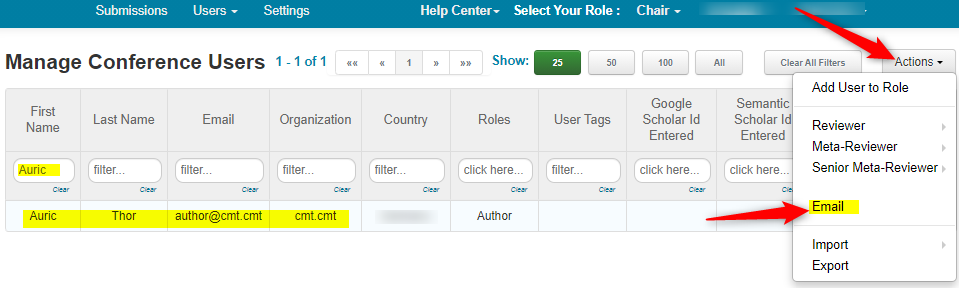
- Click Actions>Email
SEND EMAIL PAGE
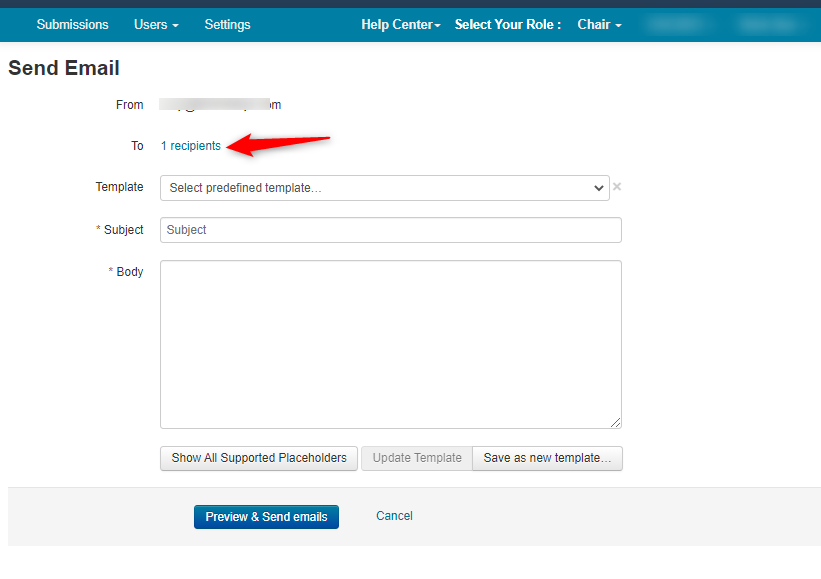
- Verify the recipient by clicking on the recipient link
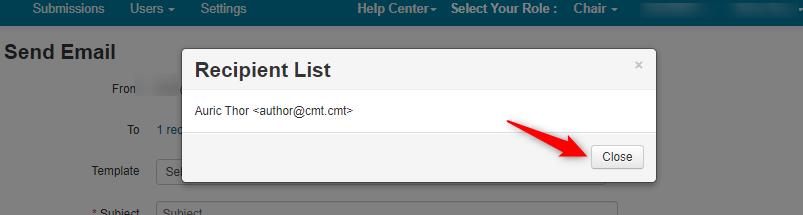
- The name and email appear in the Recipient List. Click 'Close.'
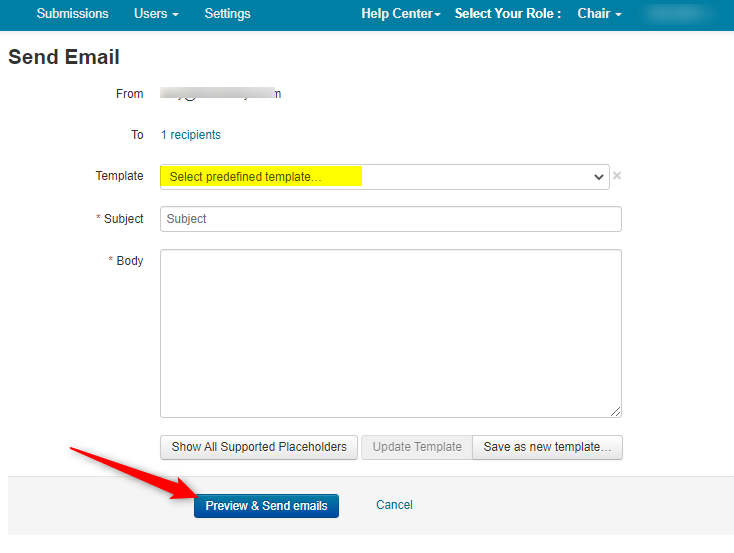
- Select a predefined template or create a new one. Once created, click 'Preview & Send emails.'
Click here for more on creating a template.
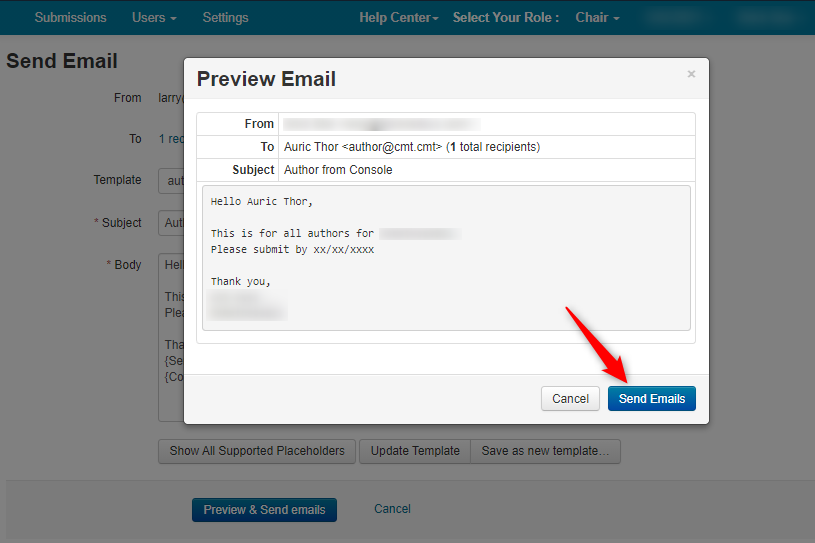
PREVIEW EMAIL POPUP
Verify the body of the email is correct in the 'Preview Email' popup.
- Click 'Send emails.'
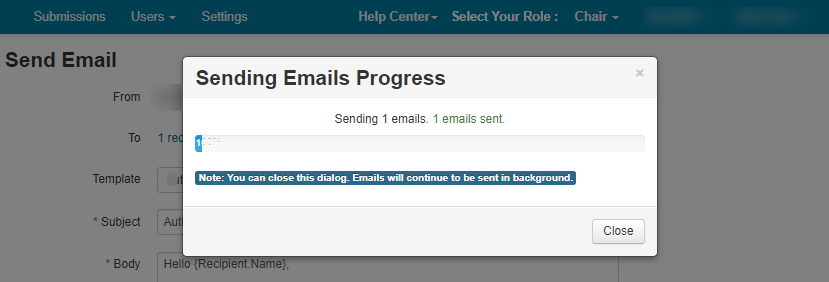
- The 'Sending Emails Progress' popup appears
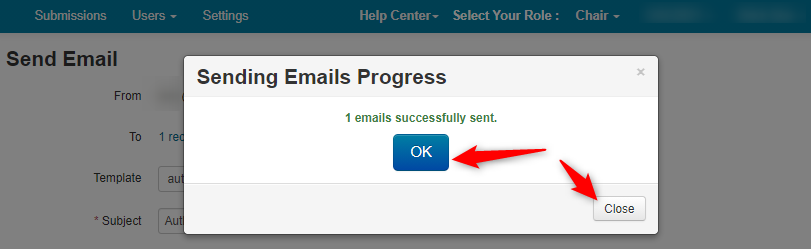
- When complete, a 'successfully sent' message will appear. Click 'OK' or 'Close.'
The email can then be viewed in the Email History.